
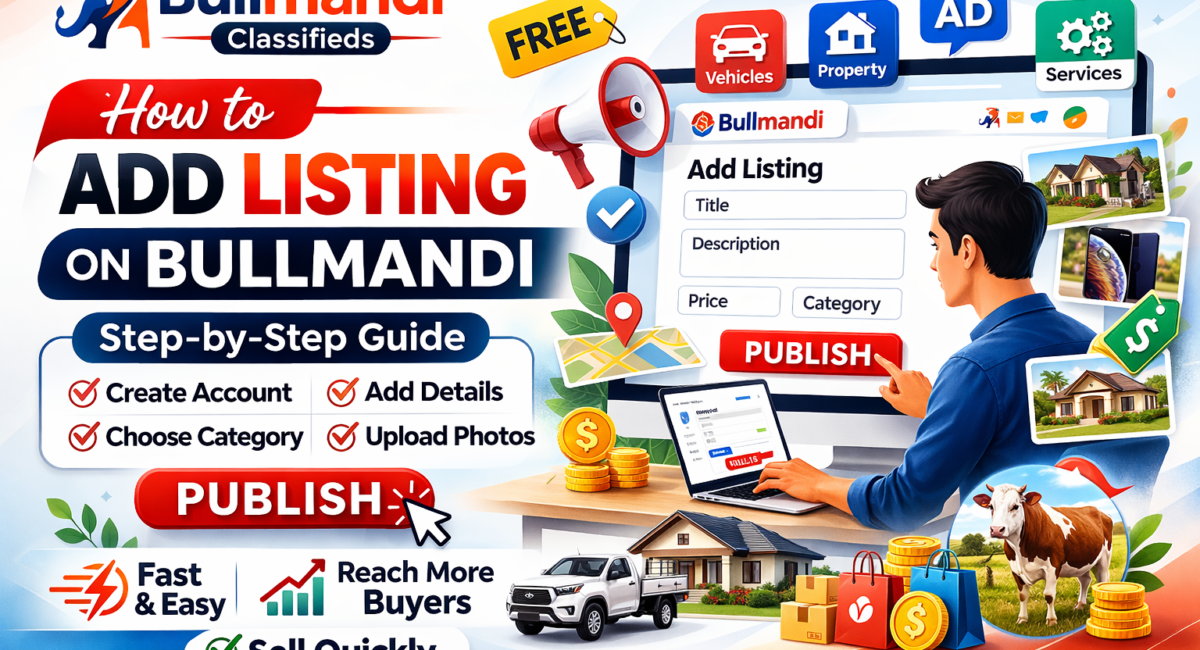
Add Your Listing on Bullmandi | Complete Posting Guide
Table of Contents
If you want to add your listing to Bullmandi, you need a clear structure and accurate details. A well-structured listing with the right keywords, clear details, and quality images helps you reach the right buyers and improves response speed. This guide explains the exact process and steps, along with practical tips to help you publish a high-performing listing that improves visibility and conversions.
What Is a Listing on Bullmandi
A listing is your digital advertisement on Bullmandi. It presents your product or service to potential buyers.
Each listing includes:
- Title
- Description
- Category
- Price
- Images
- Contact details
A well-structured listing improves visibility/clarity and increases buyers’ trust to make quick decisions. To understand how listings work in general, refer to online classifieds listing basics.
Prepare Before You Add Your Listing on Bullmandi
Preparation ensures accuracy and saves time. Before you start, collect all required information. This reduces errors and enhances the quality of listings.
You should have:
- A clear, keyword-focused title
- A detailed description
- Correct category selection
- Price or negotiable terms
- High-quality images
- Location details
- Valid contact information
You can improve your content quality by learning to write effective product descriptions.
Step by Step Guide to Add Your Listing on Bullmandi
Step 1: Open the Website
Visit the Bullmandi official website: https://bullmandi.com and use an updated browser.
Step 2: Create an Account or Log In
- Register with your name, email, and password
- Verify your account
- Log in to access your dashboard
Verified accounts increase trust and response rates. You can also follow create a free account on Bullmandi Classifieds https://bullmandi.com/create-account
Step 3: Go to Add Listing
From your dashboard, click Add Listing or Post Ad. This opens the submission form.
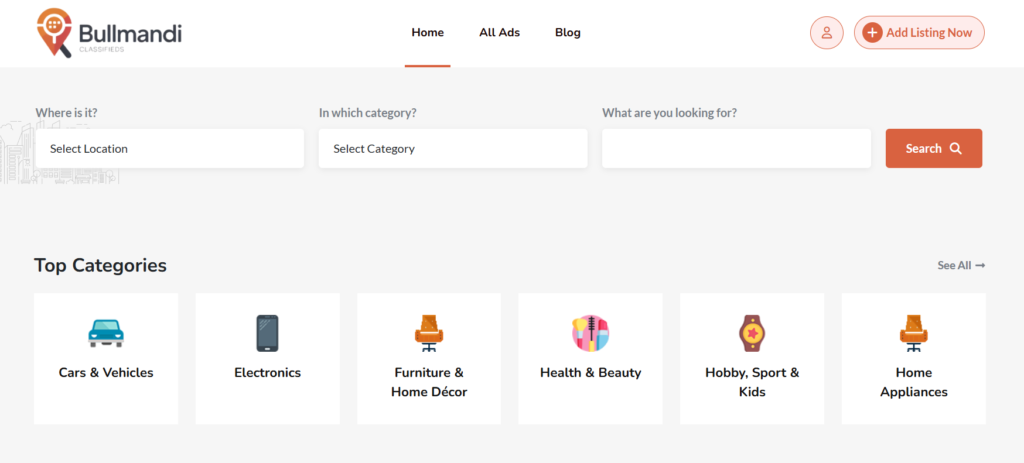
Step 4: Select the Right Category
Choose a relevant category so your listing reaches the correct audience.
Common categories include:
- Vehicles
- Property
- Electronics
- Services
- Jobs
- Livestock
Step 5: Write a Keyword Focused Title
Use clear wording and include the focus keyword and add your listing on Bullmandi naturally.
Example: add your listing on Bullmandi for used bike sale
A precise title improves click through rate and search visibility.
Step 6: Write a Detailed Description
Provide complete and accurate information.
Include:
- Product or service details
- Condition and usage
- Key features
- Delivery or service options
Clear descriptions reduce confusion and build trust.
Step 7: Set a Clear Price
Add a fixed price or mark it negotiable. Transparent pricing increases buyer confidence.
Step 8: Upload High Quality Images
Use real images with proper lighting.
Best practices:
- Upload multiple photos
- Show different angles
- Avoid low-quality images
Learn how to improve product photography to increase engagement.
Step 9: Add Location
Enter your city or area. Local targeting improves visibility and response quality.
Step 10: Add Contact Details
Provide accurate contact information for quick communication.
Step 11: Review and Publish
Check all details before publishing:
- Title and description
- Images
- Category and location
- Price and contact details
Click Publish to make your listing live.
Tips to Improve Listing Performance
- Write clear, specific and keyword-focused titles
- Avoid vague explanations
- Write honest and detailed descriptions
- Upload multiple high-quality images
- Respond quickly to inquiries
- Update your listing regularly
Benefits of Adding Your Listing on Bullmandi
- Reach local buyers quickly
- Cost-effective promotion
- Fast publishing process
- Better lead generation
- Suitable for multiple categories
You can also explore other platforms and apply online selling strategies.
Safety Best Practices
- Verify buyer identity before deals
- Avoid sharing sensitive information
- Meet in public places
- Keep communication within the platform
FAQs
Is it free to add your listing on Bullmandi?
Most basic listings are free. Some premium features may require payment.
Do you need an account?
Yes. A verified account improves credibility and visibility.
Can you edit your listing later?
Yes. You can update it anytime from your dashboard.
How long does a listing stay active?
It remains active until expiration or manual removal.
How to get faster responses?
Use a clear title, detailed description, quality images, and respond quickly to inquiries.
Leave a Comment