
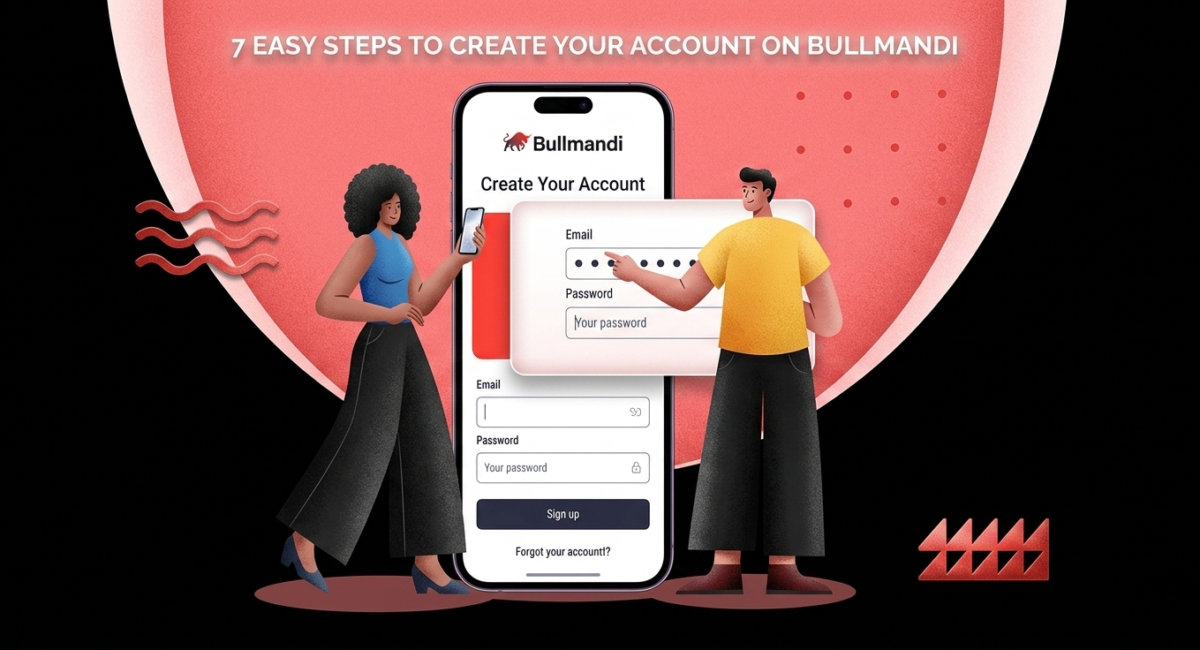
7 – Easy Steps to Create Your Account on Bullmandi
Table of Contents
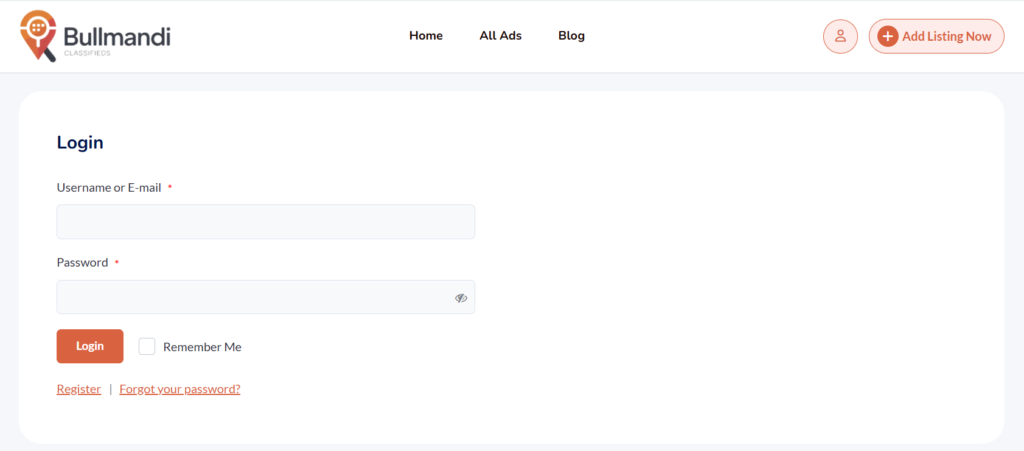
If you want to use Bullmandi, you must first create your account on Bullmandi. This process is quick and requires only basic details.
This guide explains how to create your account on Bullmandi step by step. You will also learn how to avoid mistakes and secure your account from the start.
Why You Need to Create Your Account on Bullmandi
You cannot post ads without creating an account. When you create your account on Bullmandi, you gain full control over your listings.
Benefits include:
- Post and manage listings
- Edit ads anytime
- Respond to buyers
- Build trust
- Track activity
Information Required to Create an Account on Bullmandi
Before you start, prepare:
- Full name
- Email address
- Phone number
- Password
Accurate details help you complete the process without issues.
Step by Step to Create Your Account on Bullmandi
Step 1: Visit Website
Go to https://bullmandi.com
Step 2: Click Sign Up
Open the registration form
Step 3: Enter Details
Fill in name, email, phone, and password
Step 4: Create Strong Password
Use a secure combination
Step 5: Submit Form
Click register
Step 6: Verify Account
Confirm via email or SMS
Step 7: Log In
Access your dashboard
Tips After You Create an Account on Bullmandi
- Add profile photo
- Confirm contact details
- Stay active
- Respond quickly
Common Issues
- Email not received
- Wrong phone number
- Weak password
- Login errors
Fix by checking details and requesting resend options.
Next step after you create an account on Bullmandi:
How to Add Listing on Bullmandi
FAQ
Is it free to create an account on Bullmandi
Yes, it is free
Can I create multiple accounts
One account is recommended
Conclusion
Create Your account on Bullmandi to start posting listings and reaching buyers. The process is simple and takes only a few minutes like other Classified Platforms

Leave a Comment